Pour over recipes, as cards worth sharing
The beans arrive.
The recipe doesn't.
Pourcard turns your pour over recipe into a card with a QR code. Anyone who opens it can brew it just the way you do.
iPhone · One-time purchase · No account needed
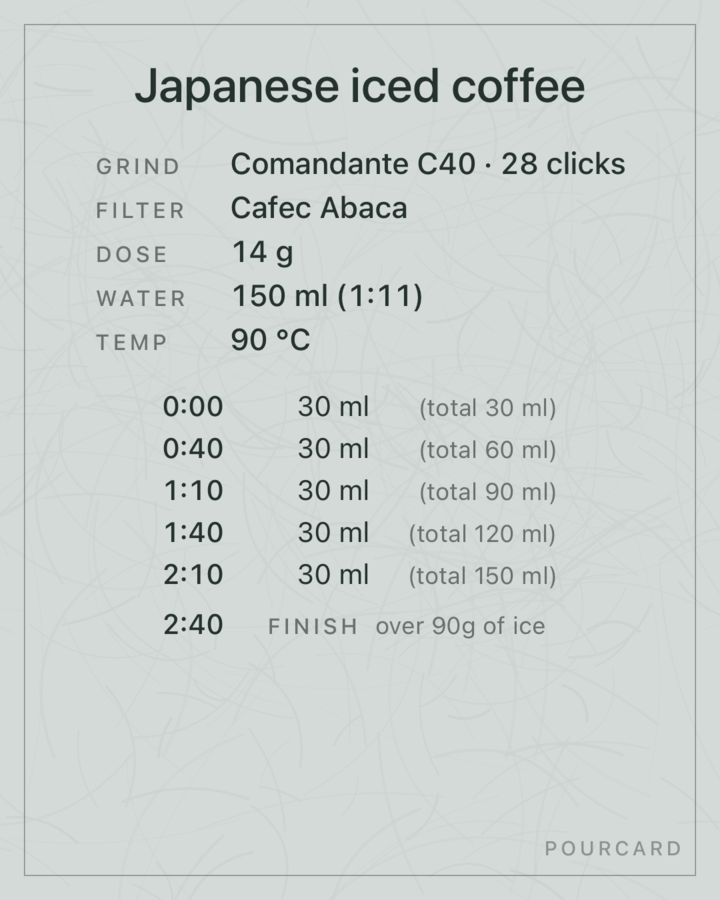
 Japanese iced coffeeScan to save
01 Background
Every bag comes with a card.
It tells you all about the beans: origin, farm, process, roast level.
02 The problem
But the recipe never fits on it.
Grind, temperature, how much to pour and when: that's what decides the taste, and it doesn't fit on the card. So at home, it never quite tastes the way the roaster intended.
03 The solution
Now the recipe travels with the beans.
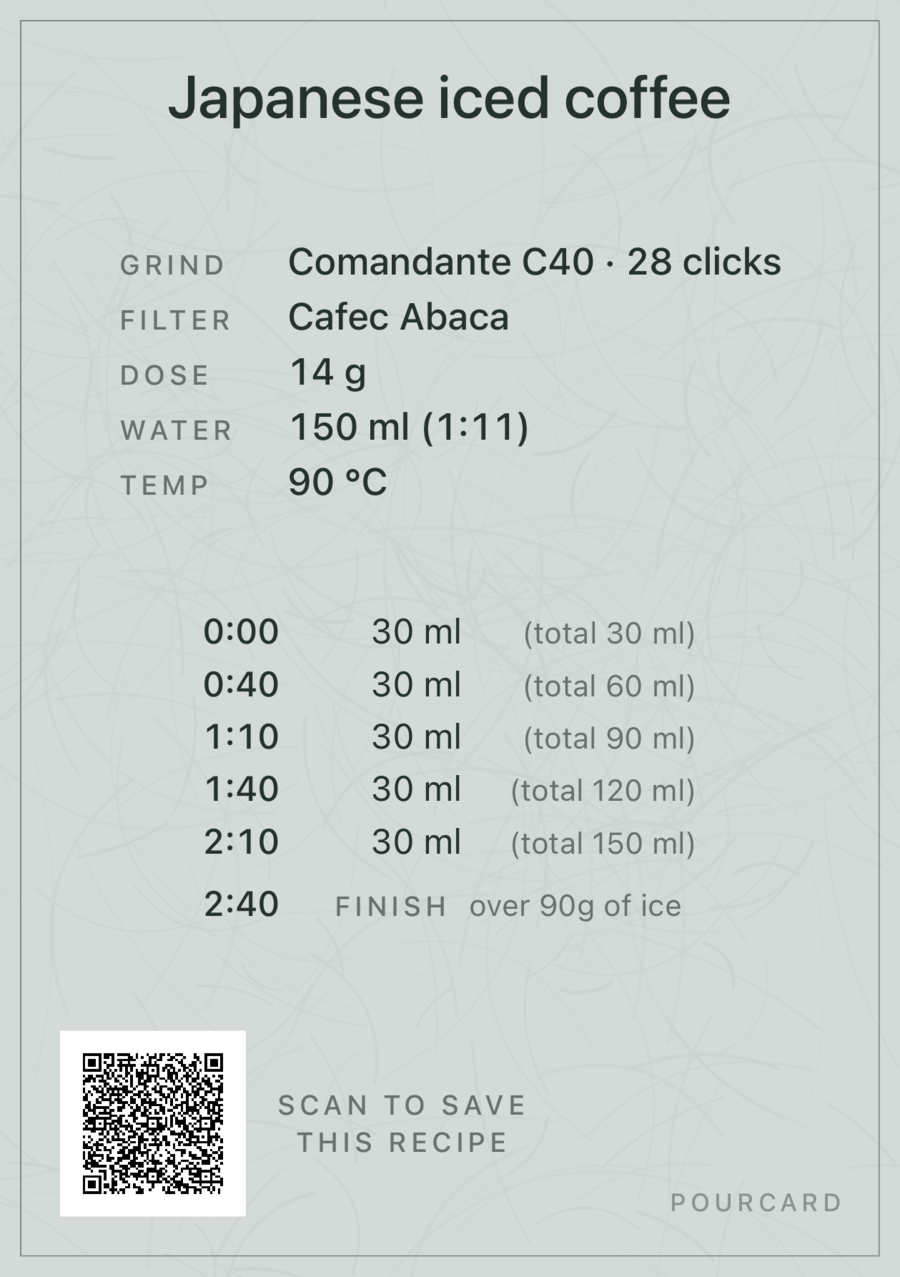
Send the recipe as a QR code with the beans. One scan, and every step is in the app — so at home, it tastes the way it was meant to.
Where it goes
Who it's for
Behind the bar, or at home.
For roasters and cafés
Put the recipe in your customers' hands.
Turn each coffee's recipe into a QR code for the bag or the counter, or send the link by email. Your card lands in your customer's app. Add one to every month's coffee, and their collection grows.
For home baristas
Keep your recipes, and show them off.
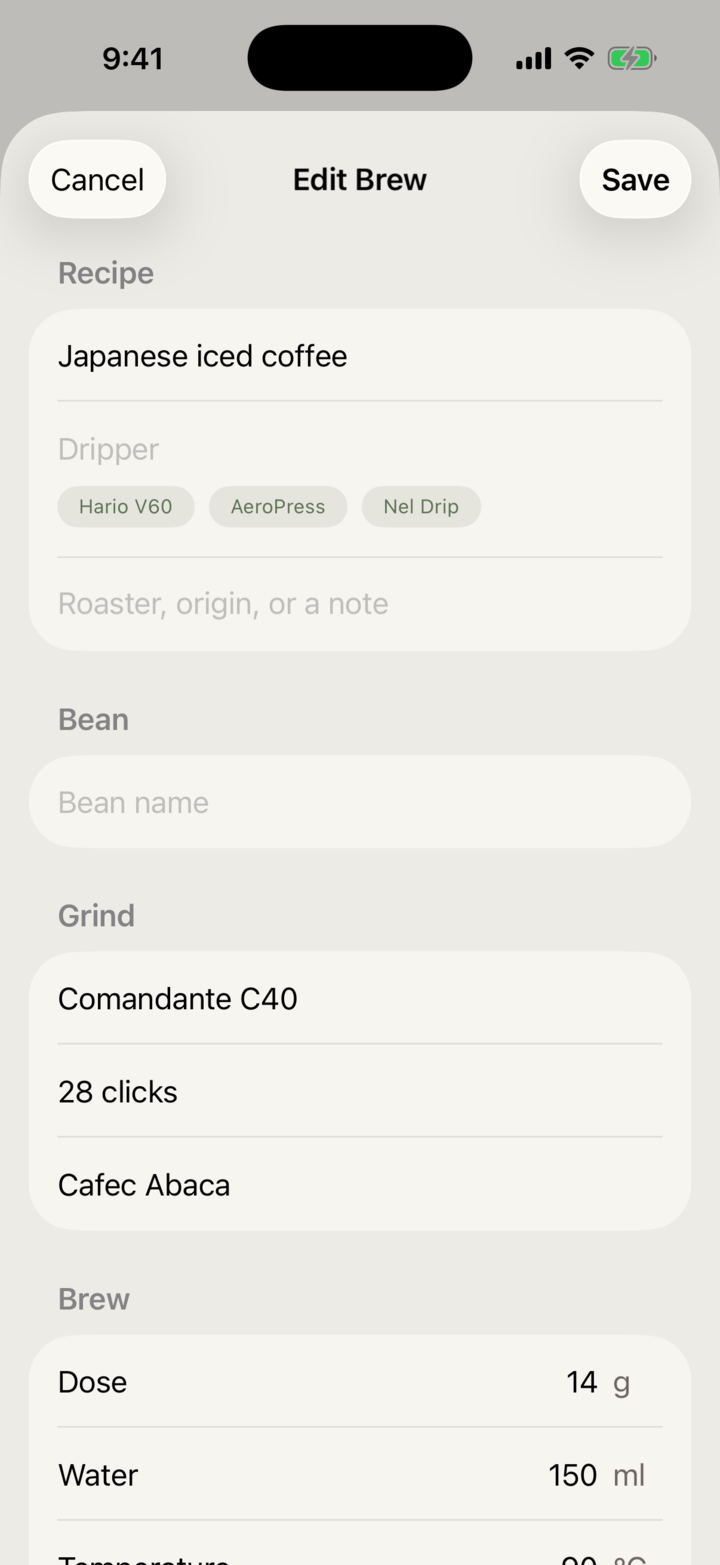
For each brewer, one card with the beans, grind, temperature and every pour. Post it, or send it to a friend as a link. Recipes from your café open as a timer, ready to brew.
How it works
Write it, send it, it arrives.
Why it sticks
The card is also the timer.
No reading while you pour. The app tells you when it's time for the next one.
The card arrives as you made it.
On their phone, it keeps the design and the name you chose.
The design is a pick, not a project.
A wide range of designs, ready to go. No colors or layout to fuss over — just pick one. More are on the way.
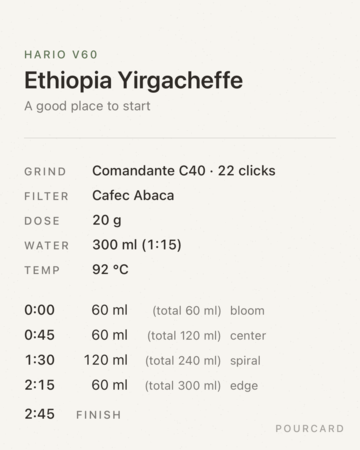
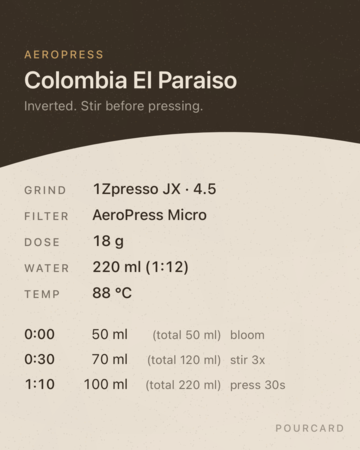
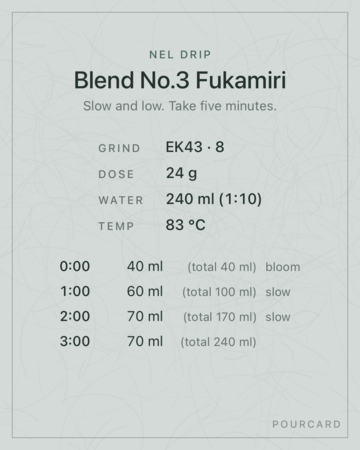
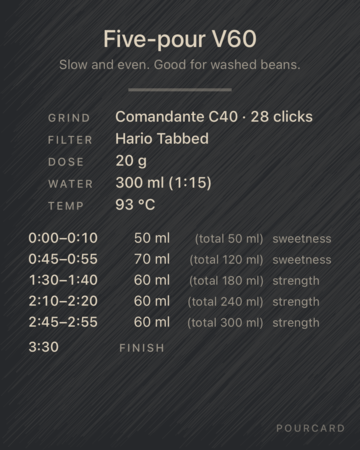
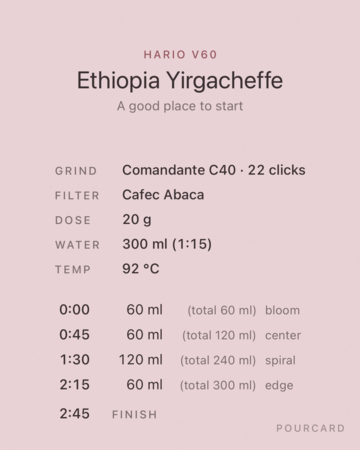
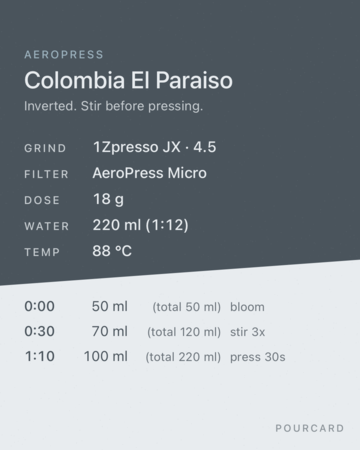
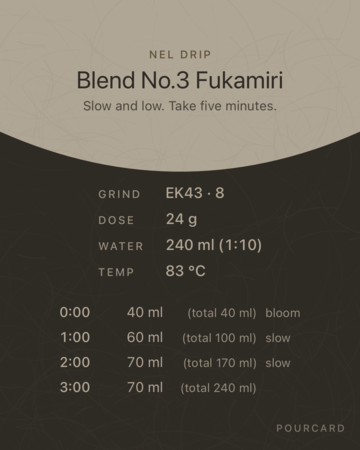
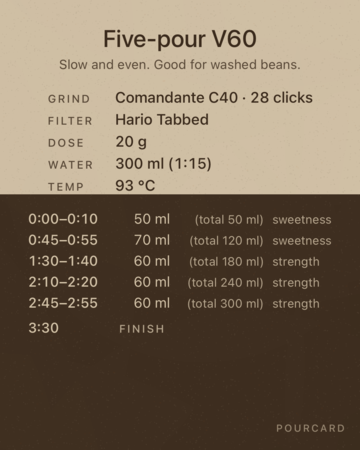
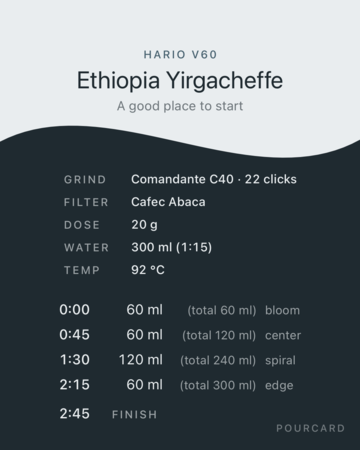
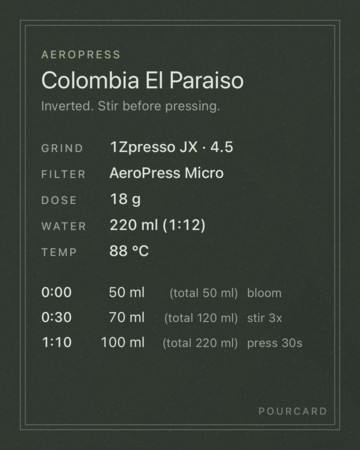
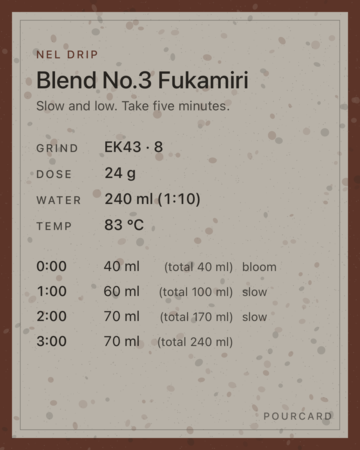
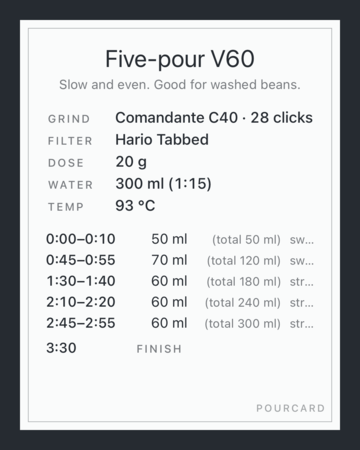
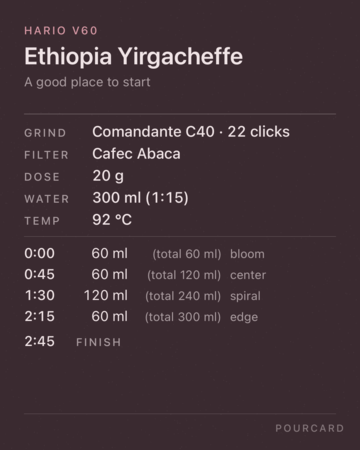
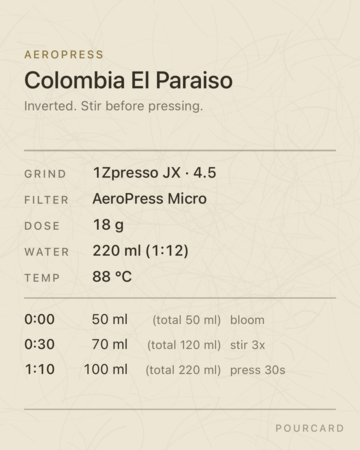
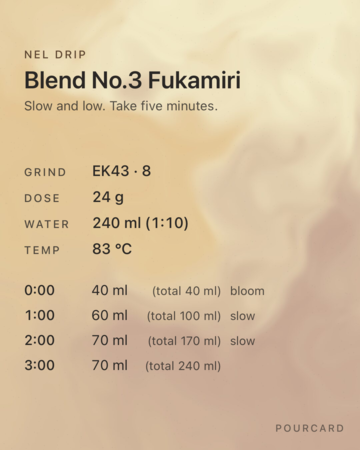
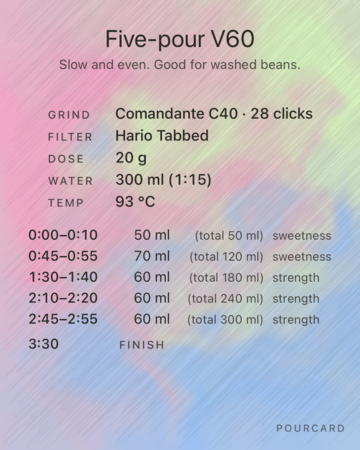
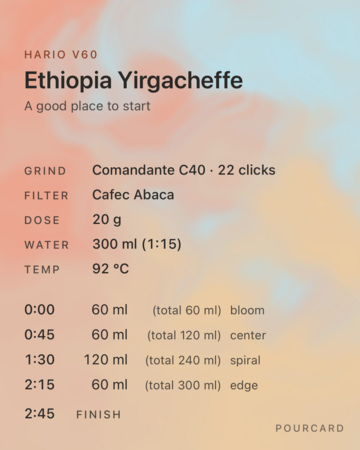
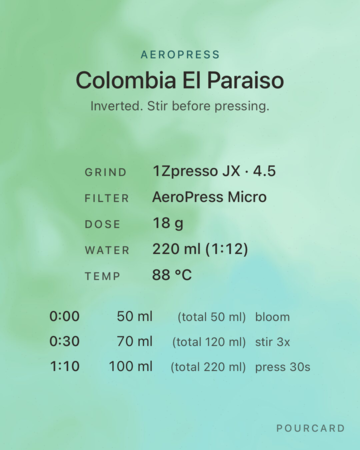
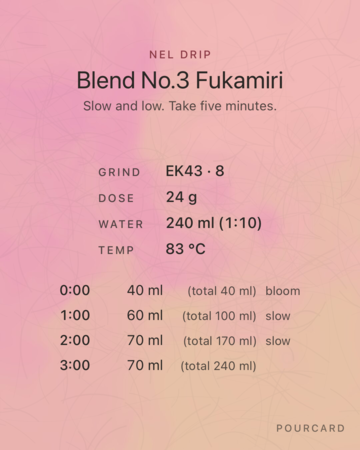
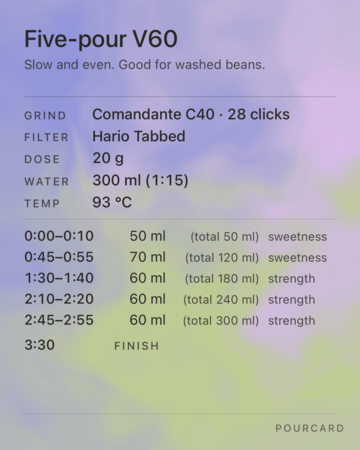
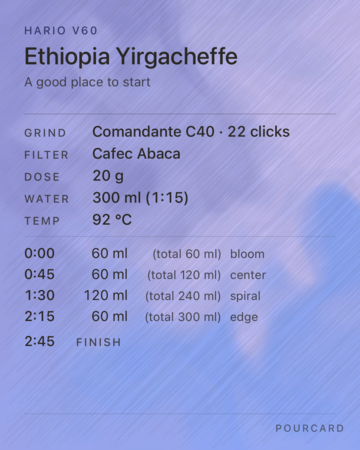
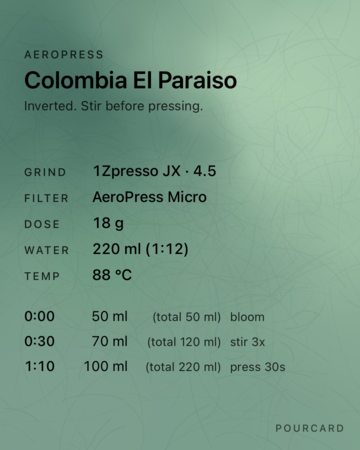
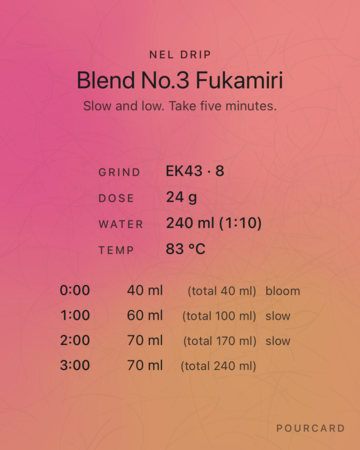
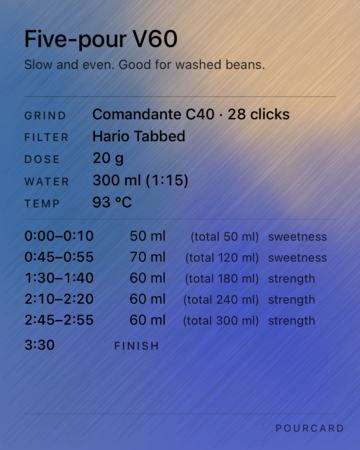
Examples of the templates in the app.
Plans
Buy it once.
One-time purchase. No subscription.
Free
Write, brew, and share.
- Make as many cards as you like
- The app tells you when to pour, based on your recipe
- Share as an image, a link, or a QR code
- Export for print
- Sync and back up with your own iCloud
Pro
For people who care how the card looks.
- Everything in Free
- Use every design
- Hide the “Pourcard” credit on the card
- Put your own name there instead
Studio
For roasters and cafés.
- Everything in Pro
- Put your shop's logo on the card
- Change the colors of the card and text
- Save your shop's look and use it on every card
One-time purchase. No subscription.
Put your recipe on the next bag.
Questions? Read the FAQ · Contact us